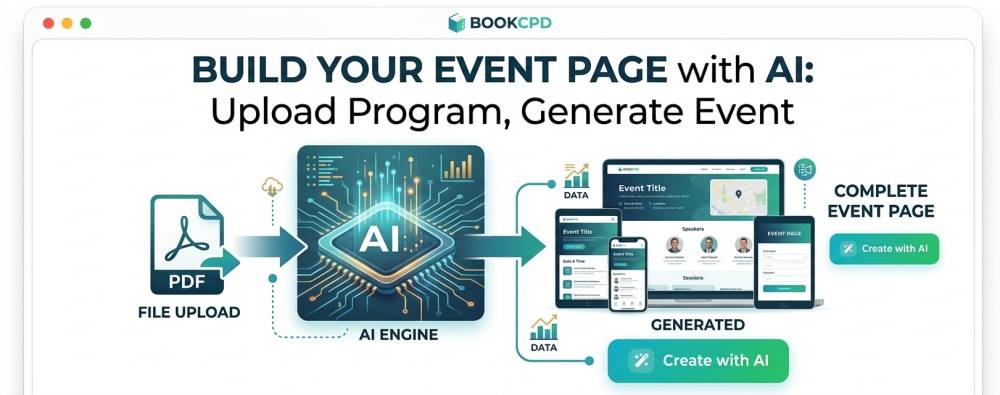
Create your event page with the power of AI - upload program to generate event
Feed our AI with whatever content you already have. Get back a listing that looks professional.
Have you got everything lined up for your event? Your program, faculty, venue and yet finding it tedious to create an attractive event listing?
Create with AI takes that moment away. It’s a single button on your event’s details tab. Click it, and within seconds you get back a full, professionally written listing - built entirely from facts, and no AI hallucinations.
When you click on the "Create with AI" it opens by asking one question first: what do you already have? You can provide any of the three inputs below.
Three types of input
Program file
Upload your flyer or full programme - PDF, typed or scanned - and it reads it directly: title, dates, CPD points, speakers, even your full session list. You can upload more than one document.
Web link
Already got the event listed somewhere else? Paste the page’s URL and it reads the details straight off it — no retyping a page that already exists.
Event description
Prefer to start with a simple description of your event that our AI can develop on?
Whichever door you walk through, the same rule still governs everything that comes out the other side: our model is never allowed to invent a fact. CPD points, accrediting bodies, dates, prices - every one of them is extracted, not guessed. If your flyer and your form ever disagree, the programme wins, and you’ll always see exactly what it found on a review screen before a single word is written into your event.
It also respects what you’ve already written. Filled in a field yourself? It stays exactly as you typed it. The AI writes the copy around your facts, never over them.
What comes back is a draft - fully editable, sitting right there in your event form, ready to tweak before you publish. And because it plugs into the tabs you already use, there’s nothing new to learn: pick a source, review what it found, and keep going.